Add image layer to SpatialData plot
Usage
plotImage(
  i = 1,
  j = NULL,
  k = NULL,
  ch = NULL,
  c = NULL,
  cl = NULL,
  t = NULL,
  z = NULL,
  x = NULL
)
Arguments
- i
Index or name of image to plot.
- j
Index or name of coordinate transformation to use. If
NULL, the coordinate transformation will be inherited fromplotSpatialData().- k
Index of the scale to render; by default (NULL), will auto-select scale in order to minimize memory-usage and blurring for a target size of 800 x 800px; use Inf to plot the lowest resolution available.
- ch
Image channel(s) to be used for plotting (defaults to the first channel(s) available); use
channels()to see which channels are available for a givenSpatialDataImage- c
Character vector; colors to use for each channel.
- cl
List of length-2 numeric vectors (non-negative, increasing); specifies channel-wise contrast limits - defaults to [0, 1] for all (ignored when
image(x, i)is an RGB image; for convenience, any NULL = [0, 1], and n = [0, n]).- t, z
Integer scalar to indicate a specific time- or z-slice; if left unspecified (default NULL), will perform a max-projection.
- x
SpatialDataobject. IfNULL, the object will be inherited fromplotSpatialData().
Examples
x <- file.path("extdata", "blobs.zarr")
x <- system.file(x, package="spatialdataR")
x <- readSpatialData(x, tables=FALSE)
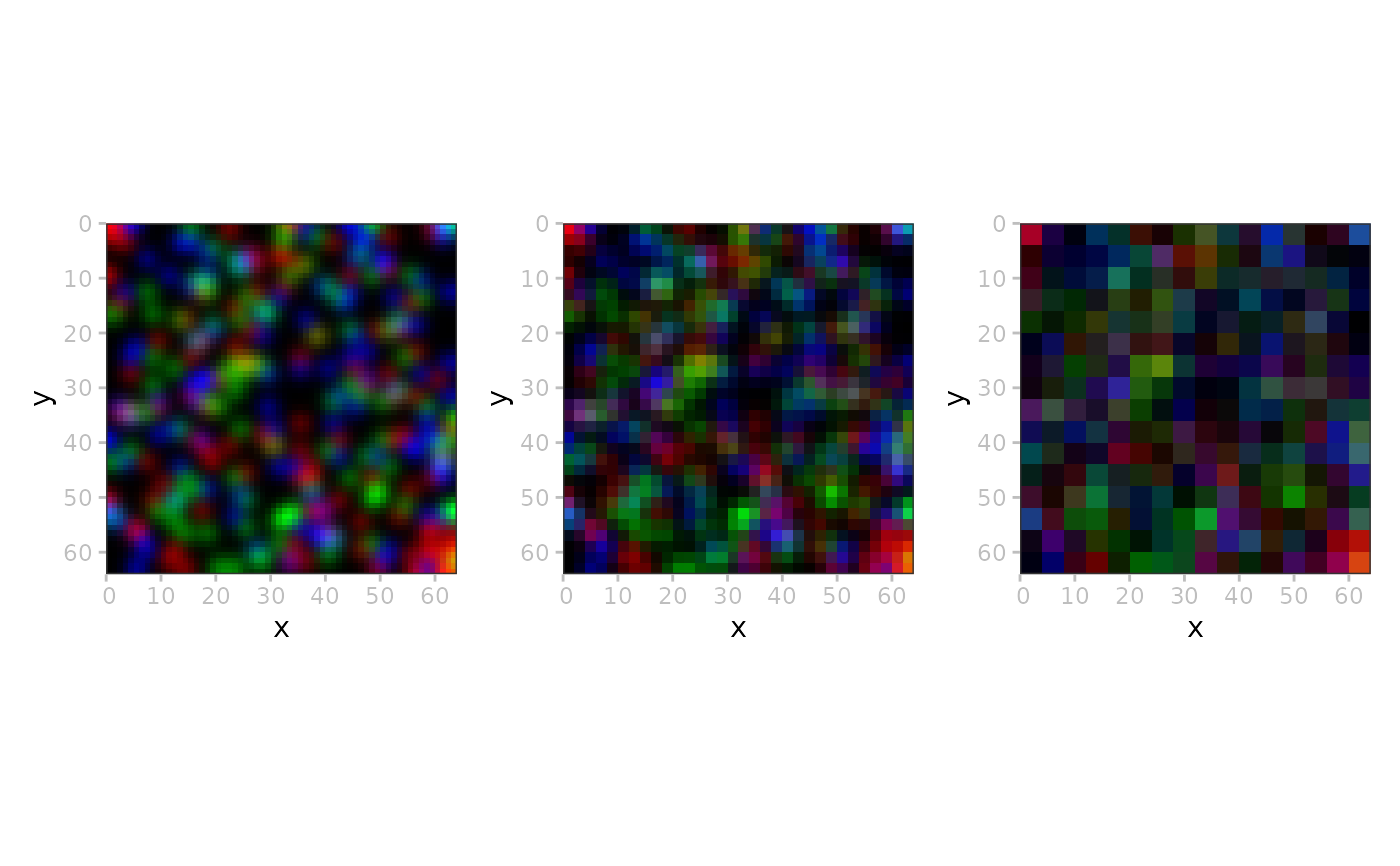
ms <- lapply(seq(3), \(.)
plotSpatialData(x) +
plotImage(2, k=.))
patchwork::wrap_plots(ms)
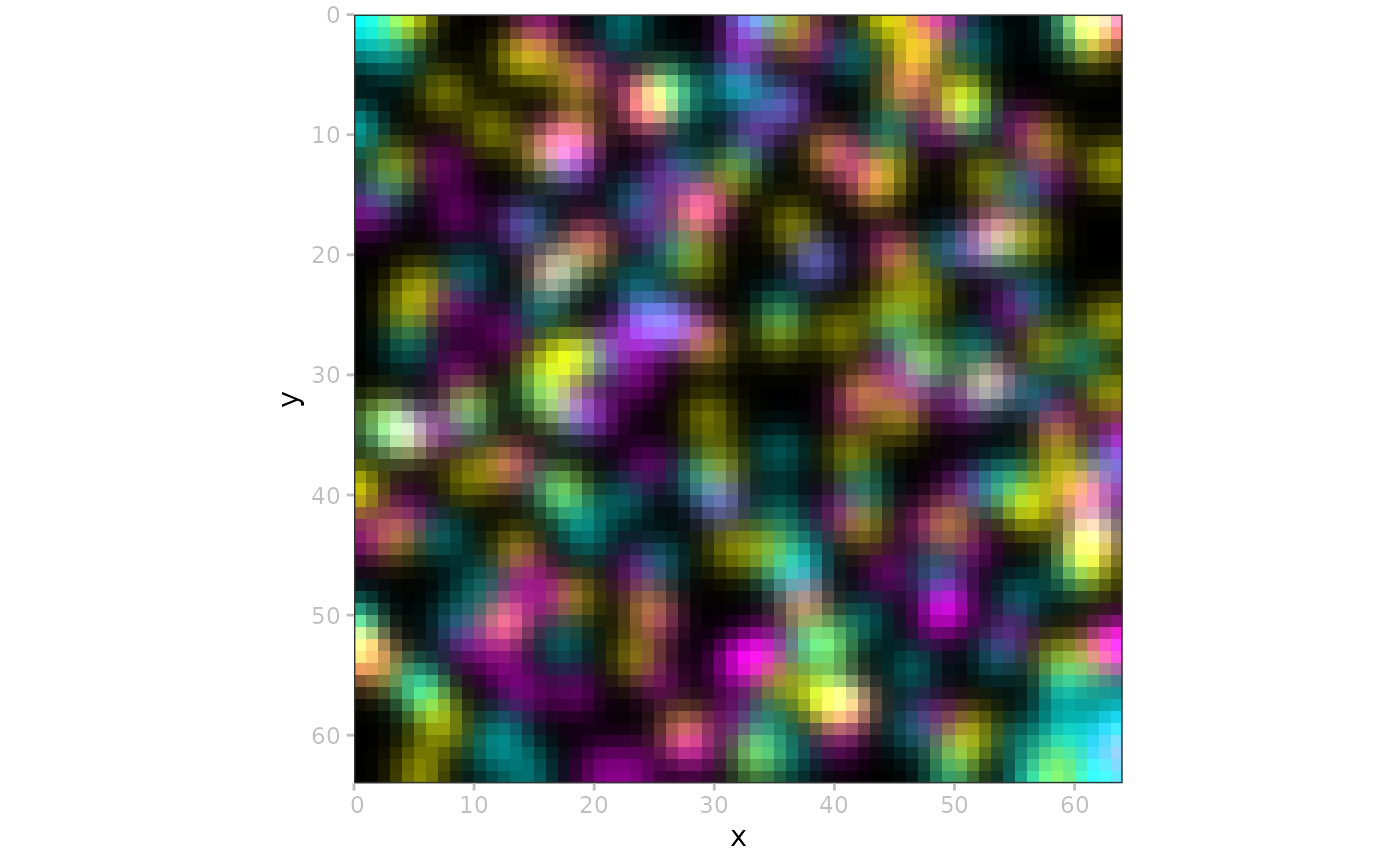
 # custom colors
cmy <- c("cyan", "magenta", "yellow")
plotSpatialData(x) + plotImage(c=cmy)
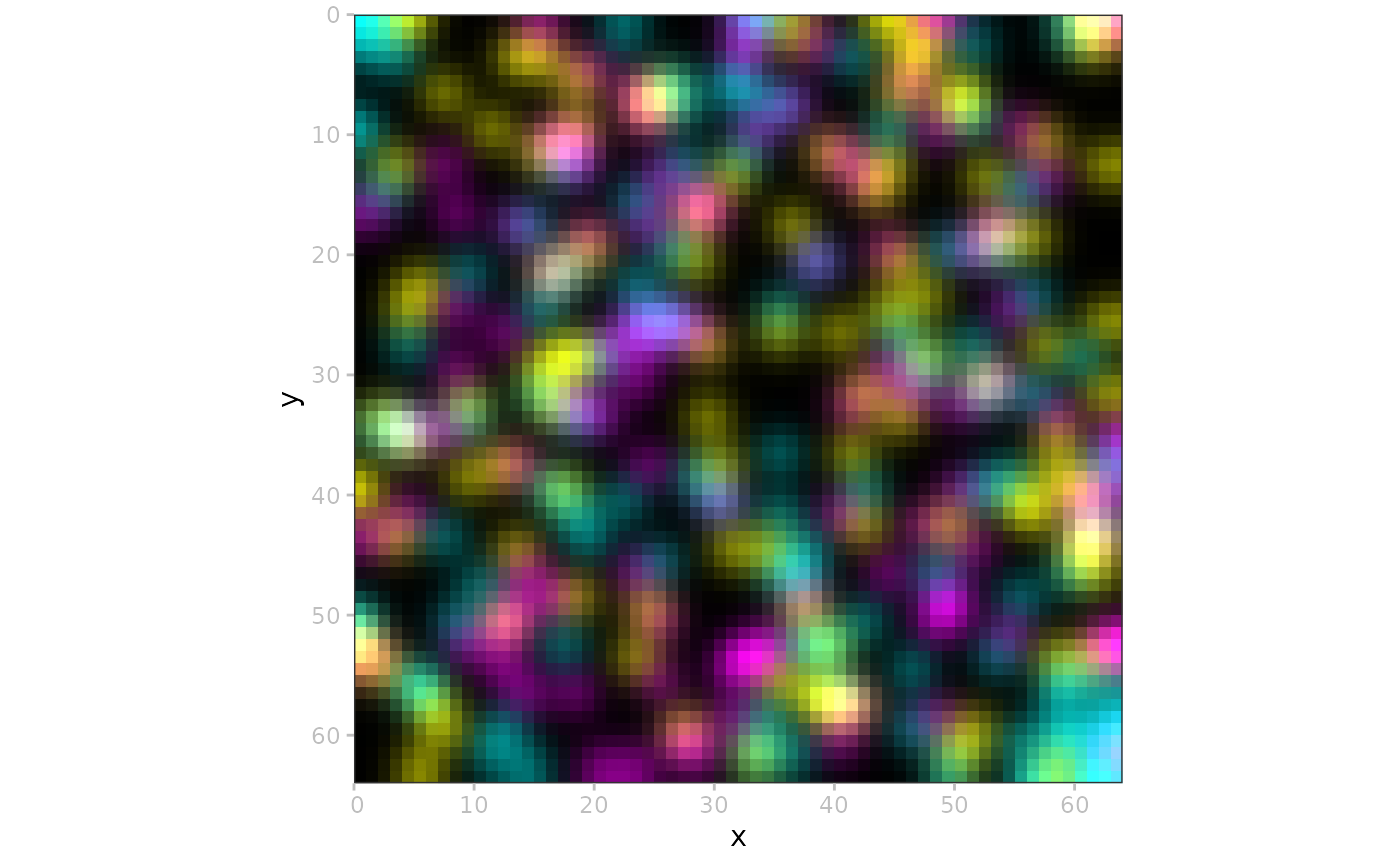
# custom colors
cmy <- c("cyan", "magenta", "yellow")
plotSpatialData(x) + plotImage(c=cmy)
 # contrast limits
cl <- rep(list(c(0, 1/3)), 3)
plotSpatialData(x, ct="global") +
plotImage(k=1, c=cmy, cl=cl) +
plotShape(i="blobs_circles", fill="pink") +
plotPoint(i="blobs_points", colour="instance_id")
#> Coordinate system already present.
#> ℹ Adding new coordinate system, which will replace the existing one.
#> Coordinate system already present.
#> ℹ Adding new coordinate system, which will replace the existing one.
# contrast limits
cl <- rep(list(c(0, 1/3)), 3)
plotSpatialData(x, ct="global") +
plotImage(k=1, c=cmy, cl=cl) +
plotShape(i="blobs_circles", fill="pink") +
plotPoint(i="blobs_points", colour="instance_id")
#> Coordinate system already present.
#> ℹ Adding new coordinate system, which will replace the existing one.
#> Coordinate system already present.
#> ℹ Adding new coordinate system, which will replace the existing one.